
Download GuardGlider – secure browser, privacy-focused browser, ad blocker, minimalist browser, online safety
Overview
GuardGlider is a minimalist browser developed by Joe C. Jones, designed specifically for users who prioritize online safety, privacy, and a distraction-free browsing experience. As digital threats grow more sophisticated, the need for secure, lightweight browsing tools has become increasingly important. GuardGlider addresses this need by offering a streamlined interface with built-in ad blocking and privacy-centric features. The app is tailored for individuals seeking to reduce exposure to trackers, third-party data collection, and intrusive advertisements while maintaining fast and efficient web navigation.
Target users include privacy-conscious individuals, remote workers, students, and anyone who values a clean digital environment. Real-world use cases include secure research, private shopping, and browsing sensitive information without the risk of data harvesting. The browser’s minimal footprint and focus on essential functionality make it ideal for users who prefer performance over flashy design. In the current app ecosystem, where many browsers collect user data for monetization, GuardGlider stands out as a purpose-built tool that places user control and security first.
The developer, Joe C. Jones, has not provided additional background information. However, the app’s release date of September 20, 2024, indicates it is a recent entrant in the productivity space, designed to meet modern privacy demands. Its free pricing model enhances accessibility, allowing users to adopt secure browsing habits without financial barriers.
Key Features & Functionality
- Ad Blocking: GuardGlider includes built-in ad blocking that filters out intrusive banners, pop-ups, and video ads in real time. This reduces page load times and minimizes bandwidth usage, leading to a smoother browsing experience.
- User Privacy Focus: The browser is engineered to limit data collection by third parties. It prevents tracking scripts from executing and avoids storing unnecessary browsing history or cookies unless explicitly enabled by the user.
- Advanced Security Features: GuardGlider employs background security protocols to detect and block malicious websites. These measures help prevent phishing attempts, malware downloads, and data leaks during web sessions.
- Seamless Browsing Experience: With a minimalist interface, the browser emphasizes content over clutter. Navigation is intuitive, with a clean layout that reduces cognitive load and improves focus on the material being viewed.
For example, a user researching health information can browse without being interrupted by targeted ads or being tracked across sites. Similarly, a remote worker accessing confidential documents benefits from the browser’s privacy safeguards. These features work collectively to deliver a secure, efficient, and distraction-free environment, making GuardGlider a practical tool for everyday use.
Interface, UX & Performance
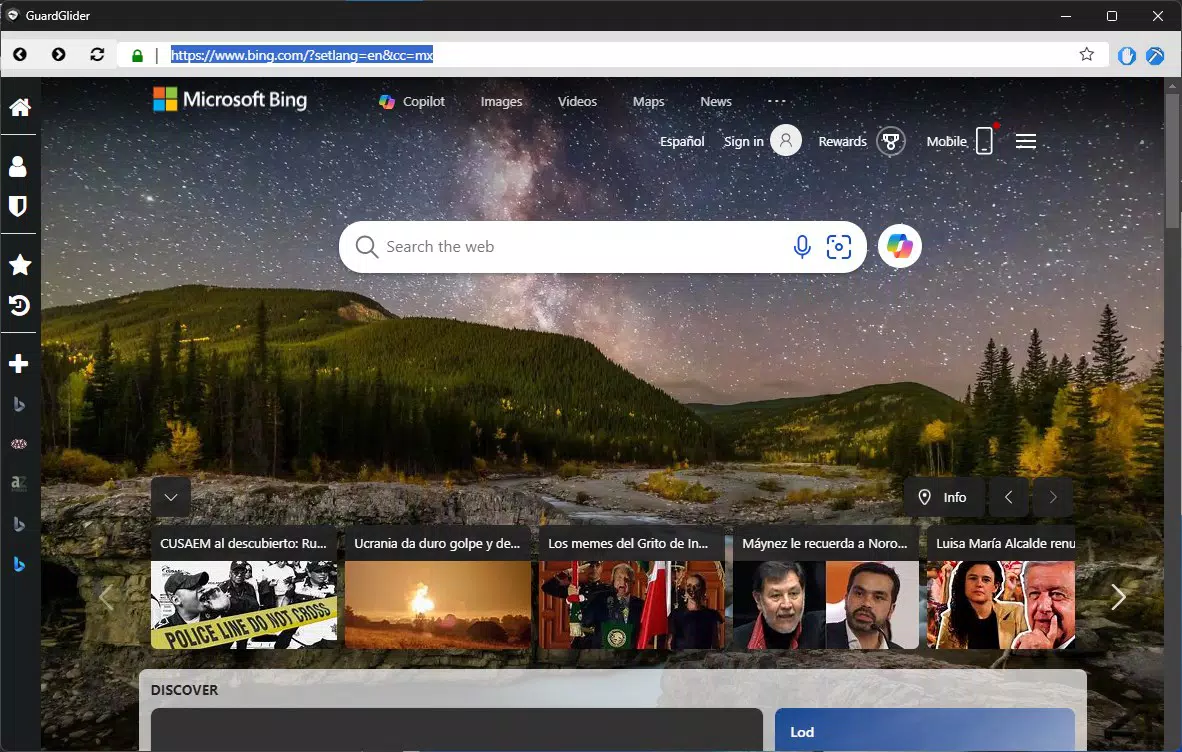
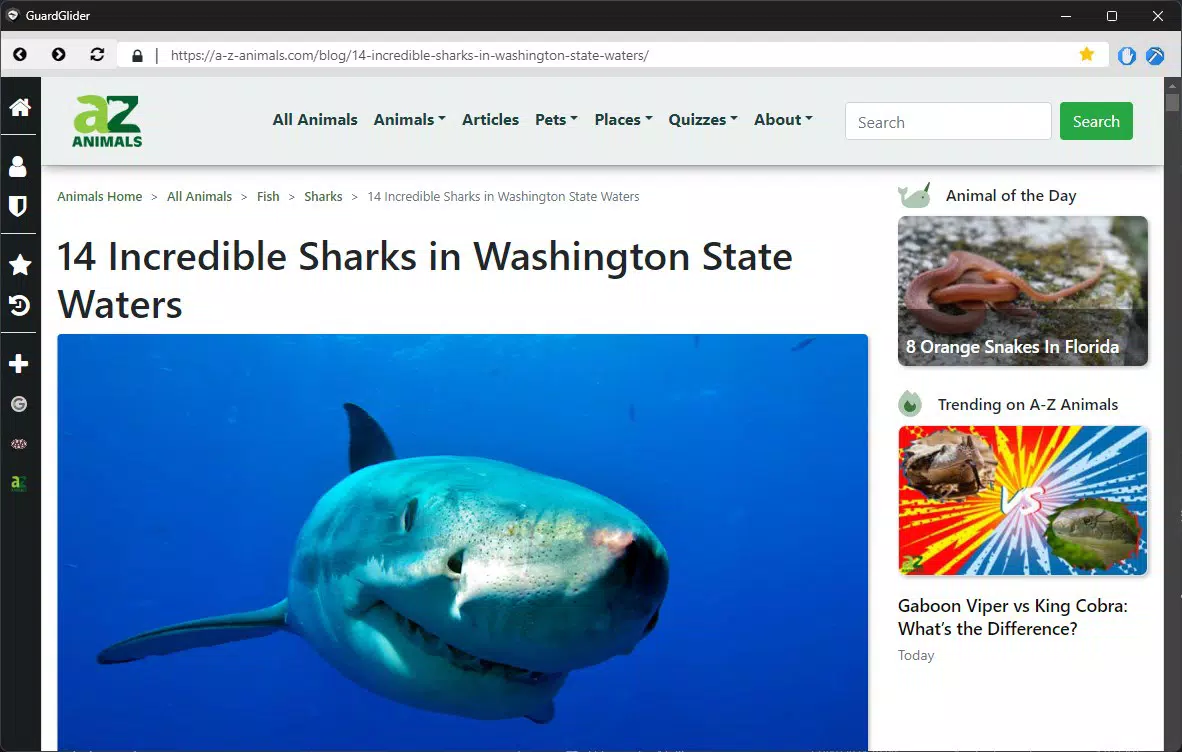
GuardGlider features a minimalist user interface with a clean layout focused on readability and simplicity. The design avoids unnecessary buttons, icons, or visual distractions, allowing users to concentrate on the content. Navigation is straightforward, with a single address bar, forward/backward buttons, and a simple menu for settings and privacy controls.
Although the developer did not list formal performance metrics, the app’s 12.5 MB file size suggests a lightweight footprint, which typically correlates with faster startup times and lower memory usage. This makes it suitable for a wide range of Android devices, including mid-tier and older models. The browser appears to respond promptly to user input, with smooth transitions between pages and minimal lag during navigation.
Stability is expected to be strong given the app’s focused functionality and absence of resource-heavy features. However, the developer did not provide detailed information on crash rates, background behavior, or compatibility with different screen sizes or Android versions. Users may experience variability on devices with older OS versions, though no such issues were reported in the initial release.
Platform Compatibility & Technical Requirements
GuardGlider is available exclusively on the Android platform. The app is compatible with Android devices running the required operating system, though specific version requirements were not listed by the developer. The application size is 12.5 MB, indicating a compact and efficient installation that does not consume significant storage space.
Users should ensure their device meets standard Android requirements for app installation. The developer did not specify minimum OS versions, so compatibility may vary depending on the device’s configuration. For optimal performance, it is recommended to use the latest stable Android release, though the app may function on older versions.
Pros and Cons
Pros
- Lightweight design with minimal resource usage
- Free to download and use
- Built-in ad blocking for faster page loading
- Strong focus on user privacy and data protection
- Simple, intuitive interface for easy navigation
Cons
- Developer did not provide detailed technical specifications
- Compatibility information was not fully disclosed
- No known integration with password managers or sync services
- Limited customization options for advanced users
- Platform availability restricted to Android only
FAQ
Is GuardGlider safe to use?
Yes, the app is designed with security and privacy as core principles. It blocks ads and trackers and includes features to protect against malicious websites.
Can I install GuardGlider on iOS devices?
Currently, GuardGlider is only available for Android. There is no official iOS version announced.
Does GuardGlider collect user data?
GuardGlider is designed to minimize data collection. It does not store browsing history or personal information unless explicitly enabled by the user.
How often does GuardGlider receive updates?
Update frequency has not been disclosed by the developer. Users should check the app store regularly for new versions.
Is GuardGlider free to download?
Yes, GuardGlider is available at no cost. There are no in-app purchases or subscription fees.
Final Thoughts
GuardGlider delivers a focused, privacy-first browsing experience in a compact and efficient package. Its minimalist design, combined with essential security and ad-blocking features, makes it a compelling choice for users who value online safety and a clutter-free interface. While it lacks advanced customization and cross-platform availability, its core functionality is solid and well-executed.
For individuals seeking a secure, lightweight browser that doesn’t compromise on performance or privacy, GuardGlider offers real value. Whether for daily use, sensitive research, or simply reducing digital noise, this app stands out in the productivity category. Its free model further enhances its appeal.
Download GuardGlider now


